 BeforeAfter
Captions and text
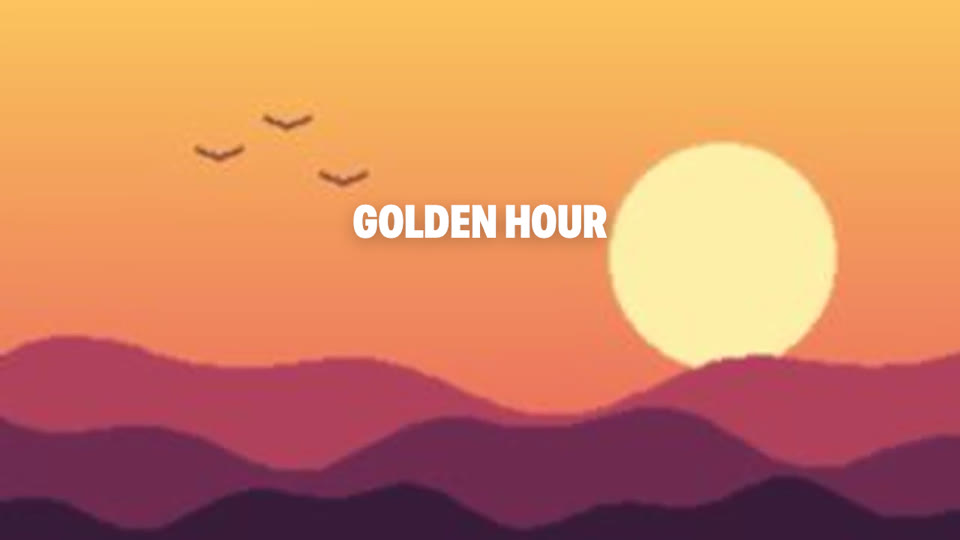
A hook title lands on the first shot, using a saved text preset.
Prompt
Add a hook title that says GOLDEN HOUR over the first shot.
What ran
bashcut timeline apply title.json # text item, preset hook-title
 BashCut
Real frames from a real BashCut project. Each pair is one agent edit: drag the slider to compare before and after.
A screen recording that starts in BashCut's New brief dialog (pick the genre, set the format, write the request) and then follows the agent: it looks at the footage, picks the shots, records the voiceover, adds music, captions and a light grade, checks its own work and exports. The 15-minute run is sped up about 60 times; the finished 47-second vlog plays at the end.
Make a 45-second vlog from this footage, with Vietnamese voiceover and captions.
Footage: Creative Commons (CC BY) clips from Free Raw Footage, mynbalaofficial, ZU FILM & PHOTO and Saeed Roustaie.
BeforeAfterA hook title lands on the first shot, using a saved text preset.
Add a hook title that says GOLDEN HOUR over the first shot.
bashcut timeline apply title.json # text item, preset hook-title

 BeforeAfter
The same shot, pushed in to put the focus on the sun. Keyframes and reframe keep the picture sharp.
Punch in on the first shot so the sun fills the right side.
bashcut timeline apply punchin.json # setProperties, transform zoom 1.45

 BeforeAfter
A moody look over the second shot, as an adjustment layer you can move or delete.
Give the lake shot a moody look and keep it on its own layer.
bashcut adjustment add --look moody --at-frame 150 --duration 150

A 24-frame dissolve between two shots. Most cuts stay hard; this one earns its place.
Dissolve from the hills into the lake and leave every other cut hard.
bashcut timeline apply dissolve.json # upsertTransition, dissolve, 24 frames
The picture is a flat illustration that ships with BashCut, edited through the same CLI commands an agent uses. Frames are saved with bashcut ui frame; no mockups.